1. Import
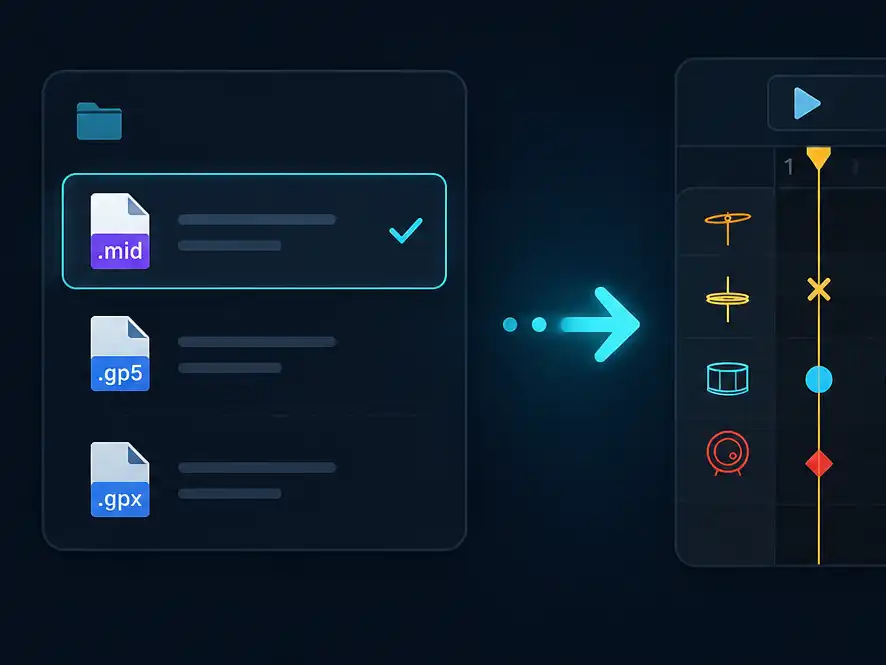
Start from a MIDI or Guitar Pro file
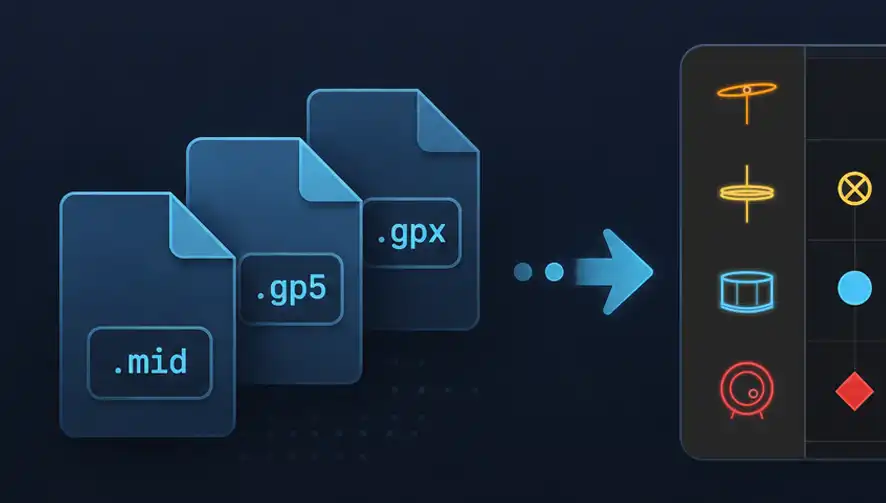
Import your song, chart, or exercise and turn it into a playable drum score.
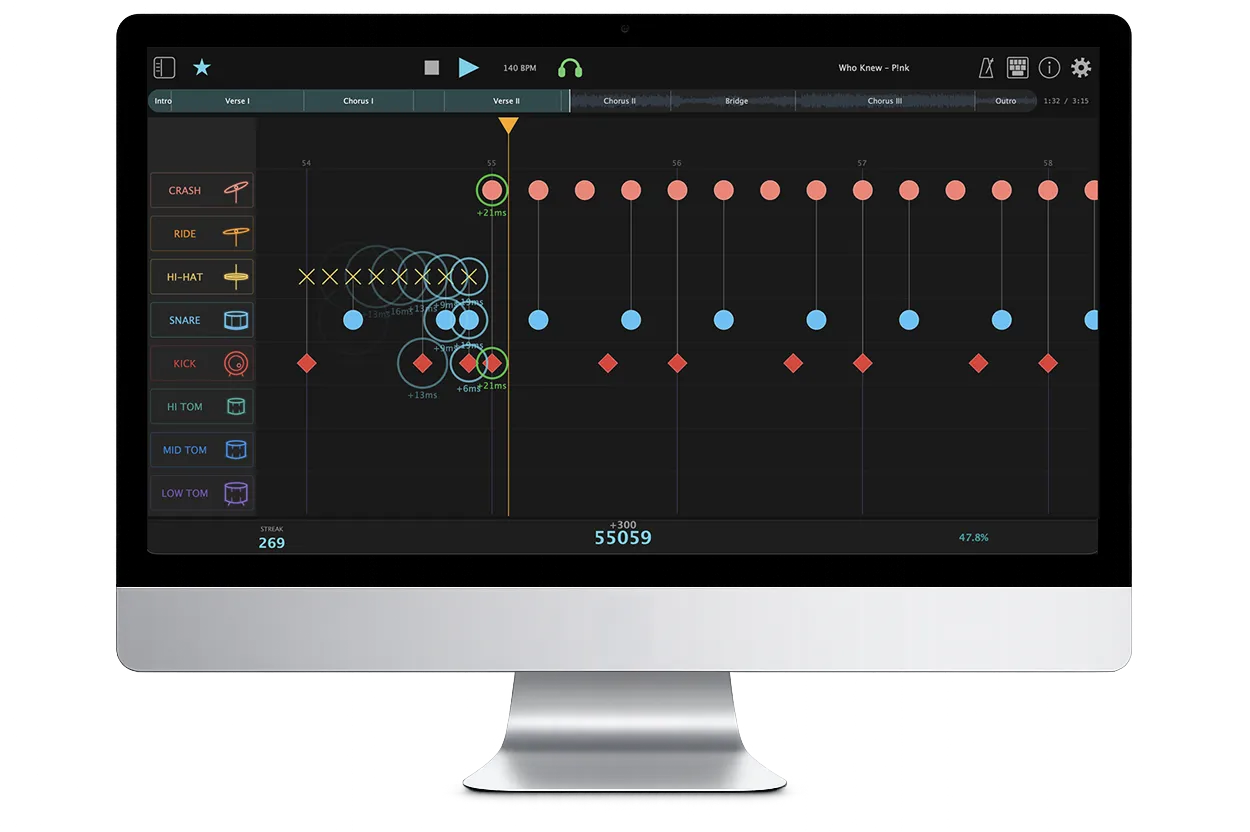
Your Drums. Your Songs. Your Score.
Score Drummer is a drum practice app for importing your own MIDI or Guitar Pro drum parts, playing them on your electronic drum kit, and getting real-time timing feedback on Mac, iPad, iPhone, and Windows.
Use the songs you already have, practice them section by section, and watch your timing get tighter over time.
Import your song, chart, or exercise and turn it into a playable drum score.
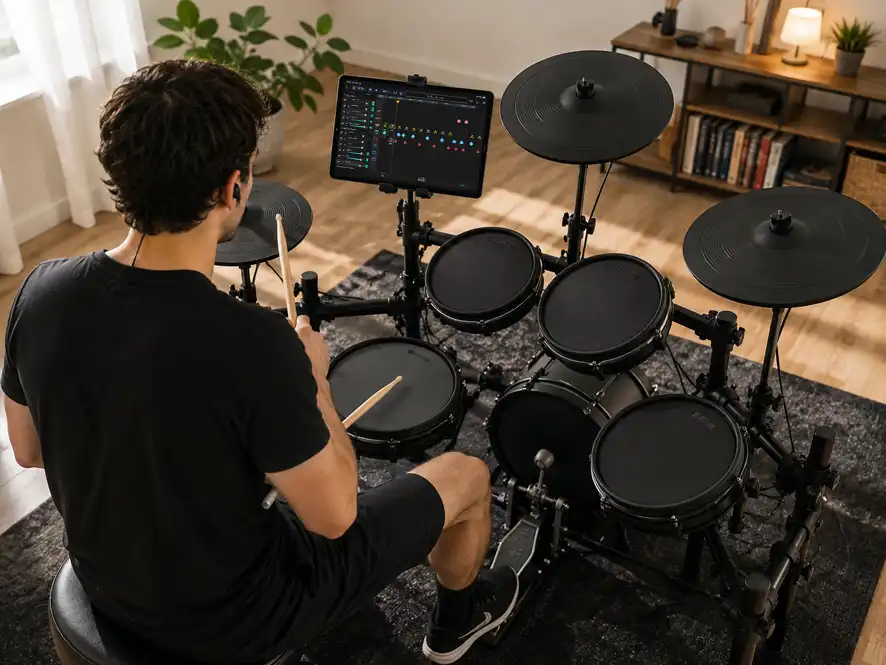
Connect USB MIDI, slow down hard parts, loop bars, and play along.
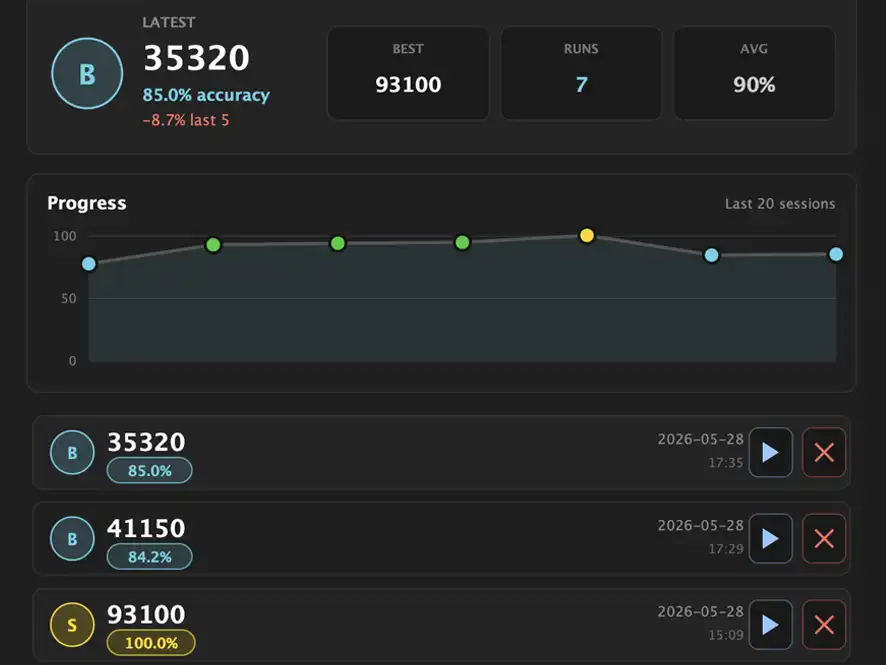
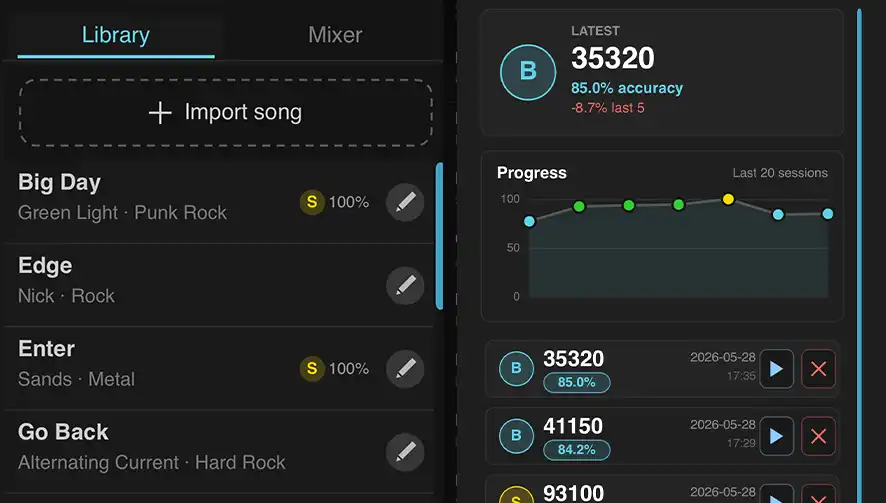
Review timing, accuracy, and consistency, and see how your playing develops over time.
Every feature designed to make your practice sessions more effective.
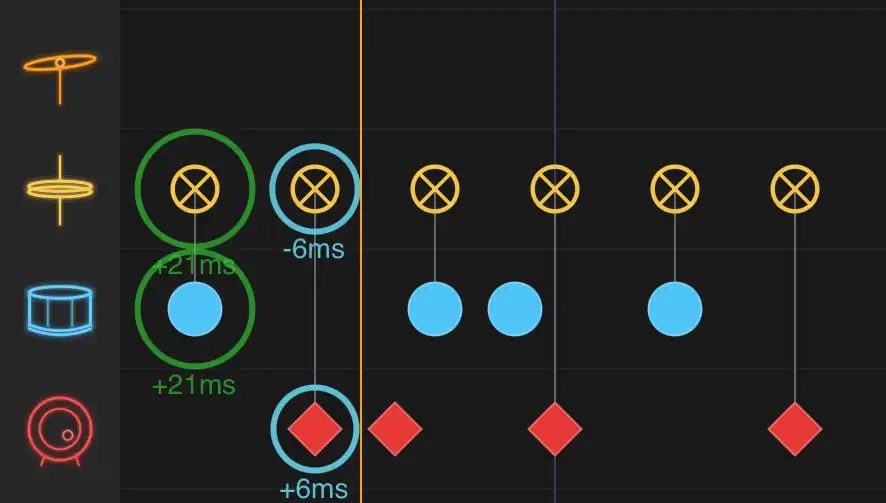
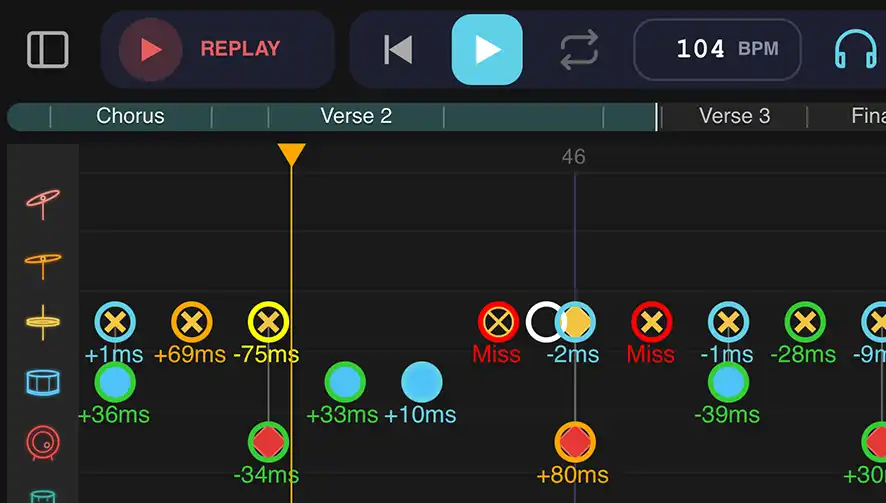
See early, late, missed, extra, good, and perfect hits while you play.
Practice from .mid, .midi, .gp, .gp3, .gp4, .gp5, and .gpx drum parts.
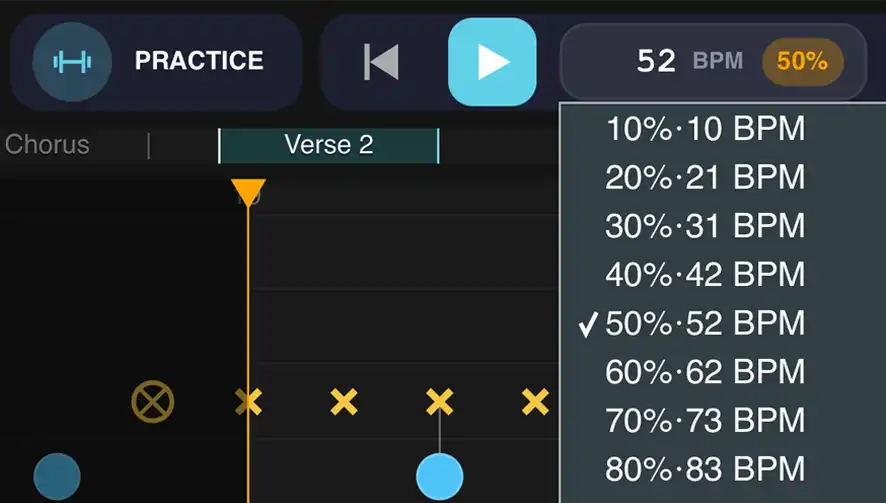
Slow down difficult sections, loop bar ranges, and build up to full tempo.
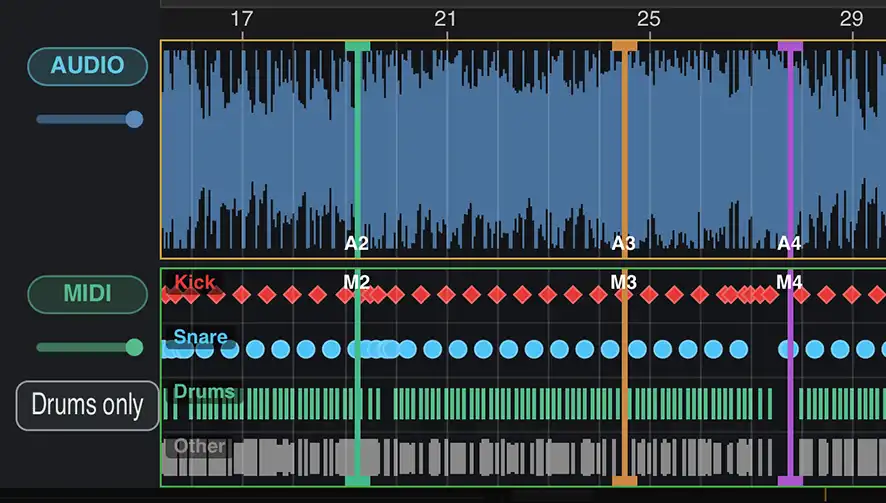
Sync real song audio to your drum score and practice with the feel of the original track.
Replay past takes with hit markers, recorded drums, and the backing track.
Keep unlimited songs, review detailed stats, and track progress over time.
Go beyond playing through a song. See what happened, review the take, and know how your timing is changing.
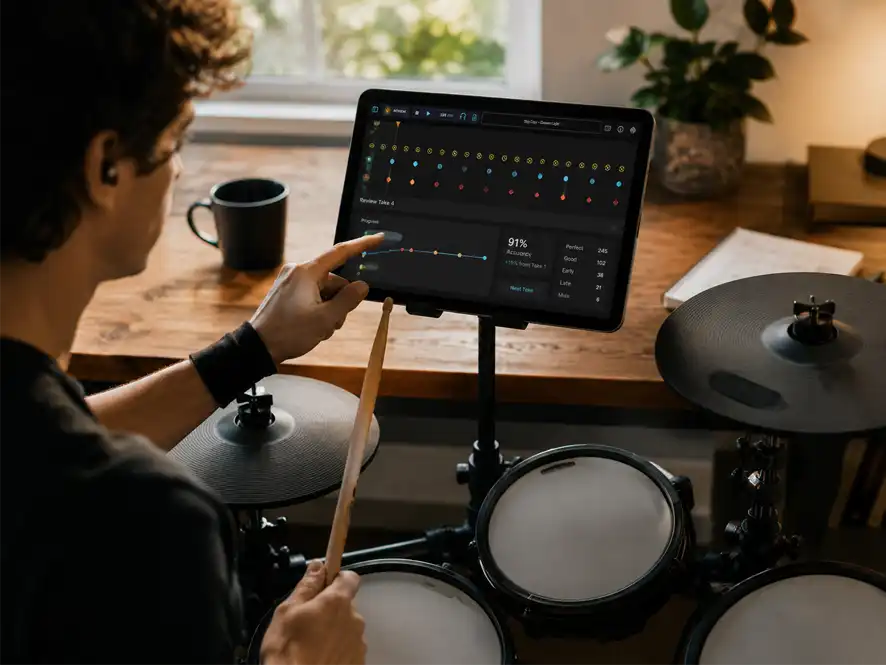
Work on a groove, fill, or passage at a comfortable tempo before playing the full song.
Run the song at tempo and get a score, grade, and hit-quality breakdown.
See where you rushed, dragged, missed notes, or added extra hits.
Every hit is classified into one of six tiers based on timing accuracy. Extra means you played a hit that had no matching note in the score.
Core practice is free. Pro unlocks advanced features.
Import a song, use Practice and Performance modes, connect MIDI devices, map your kit, and get real-time feedback.
Unlock unlimited personal song storage, audio backing tracks, detailed stats, performance history, replay tools, library transfer, and custom SoundFonts.
Start free, practice with your own drum parts, and upgrade to Pro inside the app when you need more.
Available for Mac, iPad, and iPhone on the App Store.

Available on the Microsoft Store.

Apple and Microsoft operate independent stores. Purchases are handled by each store and are not transferable between platforms.
Teachers can send MIDI or Guitar Pro exercises, grooves, and songs. Students practice at home with feedback on every hit, then come back with clearer progress.
Learn more for teachers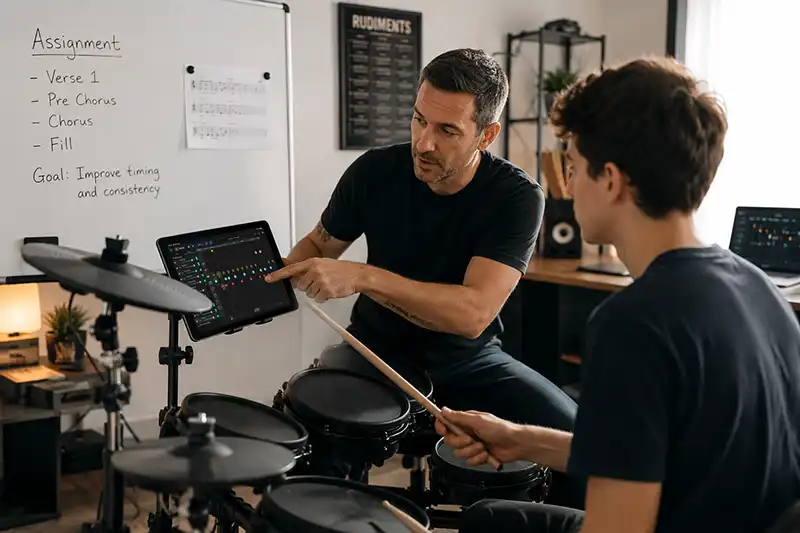
Send feedback, report issues, or follow along for release updates and new practice workflows.